The Sims 3
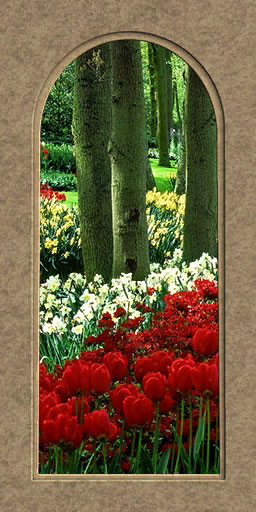
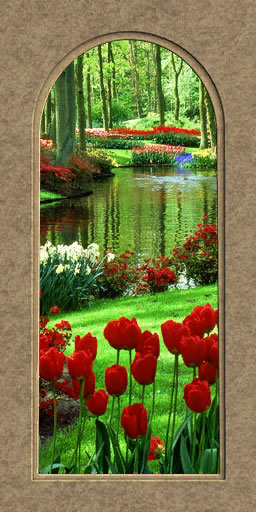
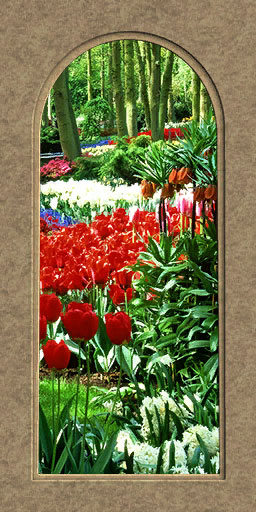
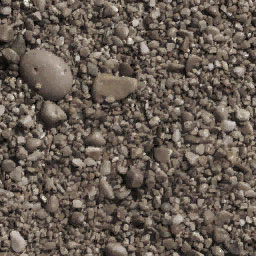
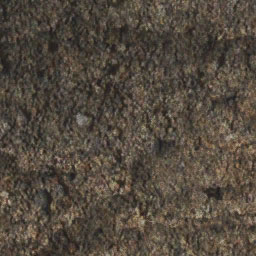
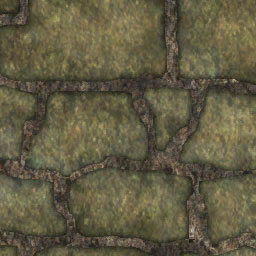
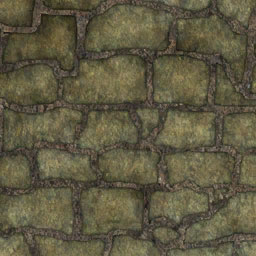
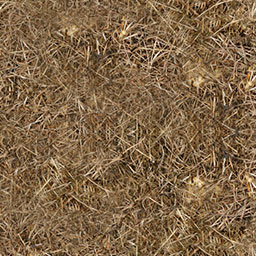
These walls, floors & terrains come in a package file format. Please see the instructions provided if you do not know how to add this type of file to your game:
To see which parts of each wall/floor can be patterned, hover over the Create-A-Style icon. Each color area on the overlay represents a single channel where any pattern you choose will be applied. Each item comes with just the default pattern selection shown and does not include any variations.
 Home
Home